How it works
From washing to gate opening in three steps.
The journey changes with local policy. This is the typical sequence, what the boater sees and what authorized staff can verify.
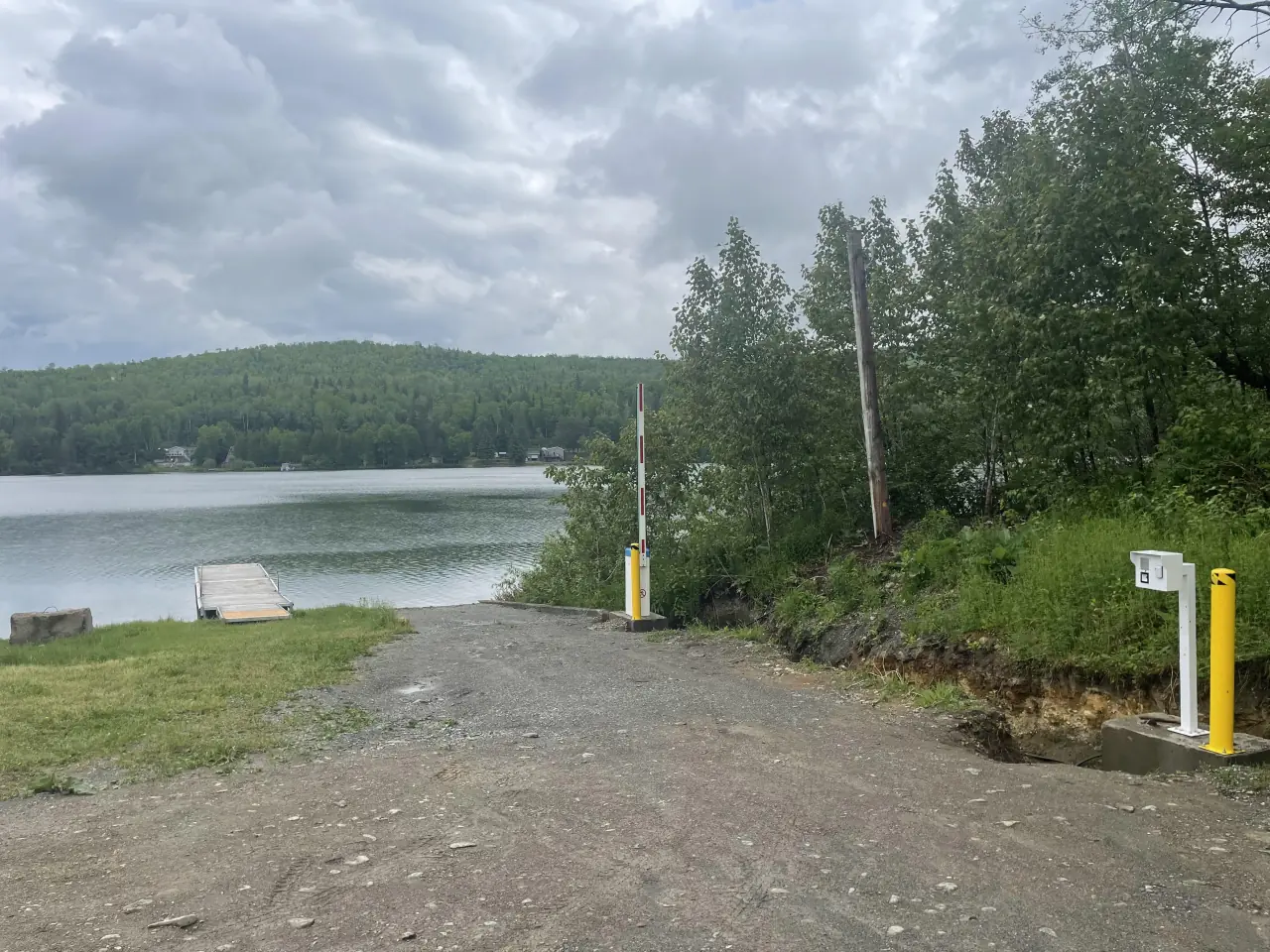
Operating context
There is no single journey for every site
A resident with a registered boat, a first-time visitor and a maintenance employee may need different steps. Configuration reflects the classes defined by the organization; the system does not invent them.
- 01Identifiable record
The user and watercraft are associated with completed steps.
- 02Checkable condition
The access point reads the status required by local policy.
- 03Exception path
Assistance, refusal and degraded operation are planned before opening.
Starting point 1 — Identify
The user retrieves or creates the relevant record.
Depending on the project, this happens before travel or at the kiosk. The interface presents required notices, requests the information chosen by the operator and associates the watercraft.
If the record cannot be completed, the system presents the next action: correct information, contact support or follow the local procedure.
Journey 2 — Wash
The station guides the task and records the configured event.
The user follows on-site instructions and operates the equipment as configured. Completion can create a status linked to the watercraft; it cannot by itself certify behaviour the system has no means to observe.
- Equipment-specific instructions
- Association with the active record
- Event time and site
- Direction when the step fails
Rules 3 — Request access
The control device checks configured conditions.
At the reader or access kiosk, the boater presents the selected identifier. The system checks the relevant wash status or right and commands the gate when requirements are met.
A refusal should be understandable and lead to a possible action. Emergency entry, manual release and offline intervention remain governed by the operator’s procedures.
Follow-up For staff
Events can be reviewed; judgement is not automated.
Authorized staff can locate the record, latest wash, access request and device state. A camera can add images or an alert for review, subject to the project configuration and retention rules.
An alert is not an infraction. A designated person reviews available information and follows the organization’s formal process.
FAQ
Questions about the journey
01Is a phone required?
Not necessarily. A kiosk can provide an on-site path. The identification methods used depend on the project.
02Will the gate open without Internet access?
That depends on the equipment, locally available data and selected policy. The case is defined and tested for each deployment.