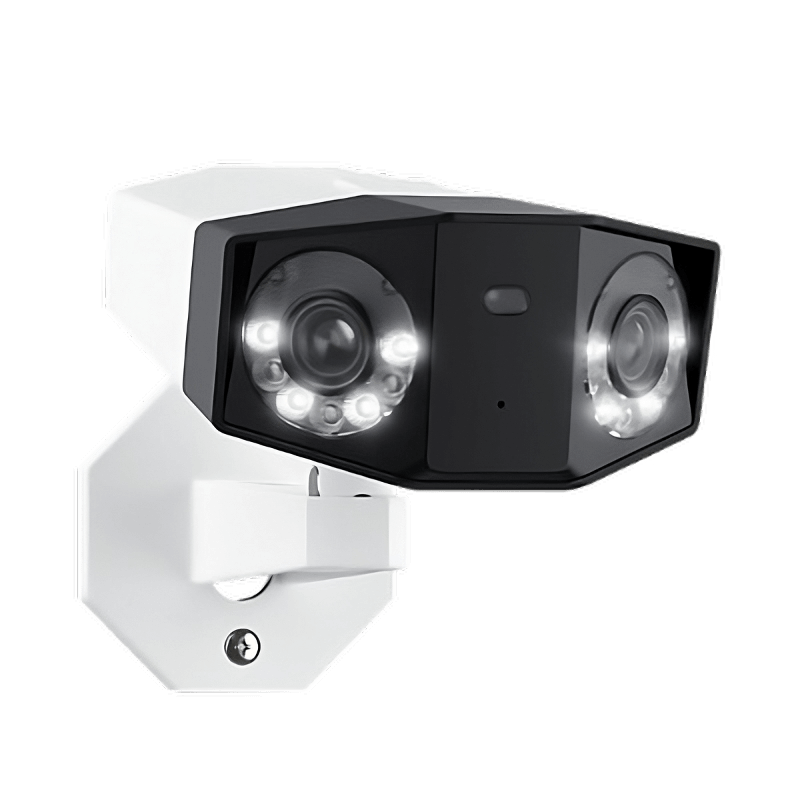
 Lexoh platformSecurity CenterVideo and events in one view.
Assisted observation
Detect a blocked vehicle, possible fall, or forced gate sooner.
A camera can flag a stationary vehicle, possible fall or unusual gate movement. Available video and events give your team or the Lexoh centre the context to check the situation.
- Scenarios focused on your access points
Stationary vehicles, possible falls, collisions or unusual movement.
- Video and events brought together
Find the context in Lexoh Security Center.
- An alert reviewed by a person
Your team or the call centre checks before taking action.
Situations to watch for
Vehicles. People. Equipment.
Choose a situation to see what may be flagged, what a person checks and the response to plan for.
A vehicle that stays stopped.
An extended stop in a traffic lane may need someone’s attention.
See how an alert is reviewed- What may be flagged
- A vehicle remains stationary beyond the threshold configured for the zone.
- What a person checks
- Review the sequence, vehicle position and available gate status.
- The planned response
- Contact the user or refer the situation to the site’s designated person.
Scenarios and thresholds are defined for each site, based on the field of view and selected equipment.
Inside Lexoh Security Center
Find the sequence. Check the context.
Available events and video come together so the team can understand the situation. The Lexoh call centre can take over during the agreed service hours.
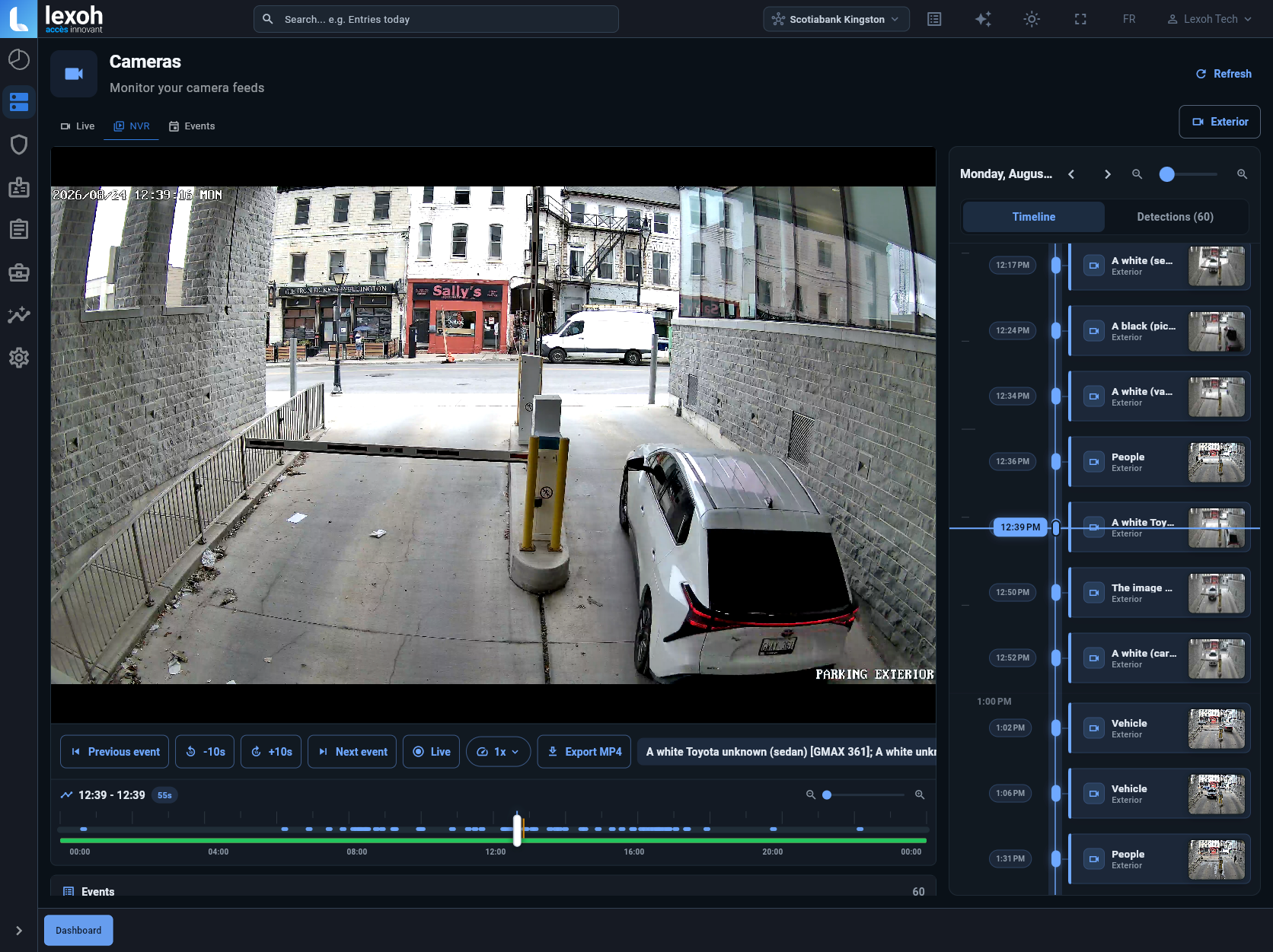
Find the event
The available site, camera, time and video sequence.
Review the video
Authorized staff examine the situation and its context.
Follow your procedure
Document, help the user or refer to the right responder.
Role in the system
An alert that draws attention at the right time
At a site without constant supervision, a camera can attempt to flag a vehicle that remains stopped, a possible fall or person on the ground, a possible collision, a blocked gate, or an unusual impact or movement around it. Images and available analysis give staff or the call centre context instead of automatically producing a finding.
Detection is not infallible and cannot by itself confirm that someone is injured or that a violation occurred. Performance depends on position, lighting, weather, obstruction, connectivity, and event type.
- FunctionDefined scenarios
- The project identifies which situations and anomalies should be flagged in each monitored zone.
- Site requirementsReviewable context
- Available evidence can be associated with time, site and field event.
- OperationsHuman review
- No further action is taken without review by an authorized person.
- IntegrationDocumented controls
- Image access, retention and use follow an approved framework.
Before installation
Purpose, field of view and governance are defined together.
The organization states why the camera is used, who can view images, how long they are retained and how data-access requests are handled. Position is then chosen to cover the useful area without observing more than needed.
- Event of interest
- Useful and excluded areas
- Authorized roles
- Retention period and method
Monitored scenarios
Each alert is tied to a defined situation and response procedure.
Scenarios can include a vehicle stopped beyond a configured threshold, a possible fall or person remaining on the ground, a possible collision or visible obstruction, and an impact, obstruction, or abnormal movement around a gate that may indicate an apparent forced-opening attempt. Availability and precision depend on the site, field of view, and technical validation.
- Stationary vehicle or blocked lane
- Possible fall or person on the ground
- Possible collision or visible impact
- Movement that may indicate an apparent forced-opening attempt
Alert handling
A person reviews the context and follows the agreed procedure.
Depending on configuration, an alert may bring together time, camera, images and available access events. The authorized team or Lexoh call centre checks the signal, contacts the user where the protocol calls for it and refers the situation to the designated person.
False positives, incomplete events and insufficient images must not be presented as certainty. The system does not replace emergency services; a person must request their response under the applicable protocol.
Maintenance and response
Technology does not replace site inspection or physical response.
A live connection does not by itself confirm image quality. Field-of-view, cleanliness, lighting and seasonal changes still require inspection. The contract identifies who responds on site, maintains cameras and gates, and handles referred events.
FAQ
Equipment questions
01Can AI automatically issue an infraction?
No. Detection creates an event for review. The responsible authority decides, after human review, whether its process should continue.
02Does the system automatically call emergency services?
Not by default. A person or the call centre reviews the alert under the service agreement. If warranted, that person follows the agreed protocol and contacts the appropriate service; detection never replaces emergency services.
03Will the camera always identify a watercraft?
No detection is perfect. Visibility, angle, weather and obstruction can reduce quality, which is why results are reviewed.
04Who sets image retention?
The responsible organization does so within its obligations and policy. Technical configuration must reflect that decision.