Access management and event review
Review every access event, alert, and violation in one record.
The platform connects access decisions, device status, and available imagery so an authorized person can review the context. The responsible authority retains its policy, violation decisions, and official communications.
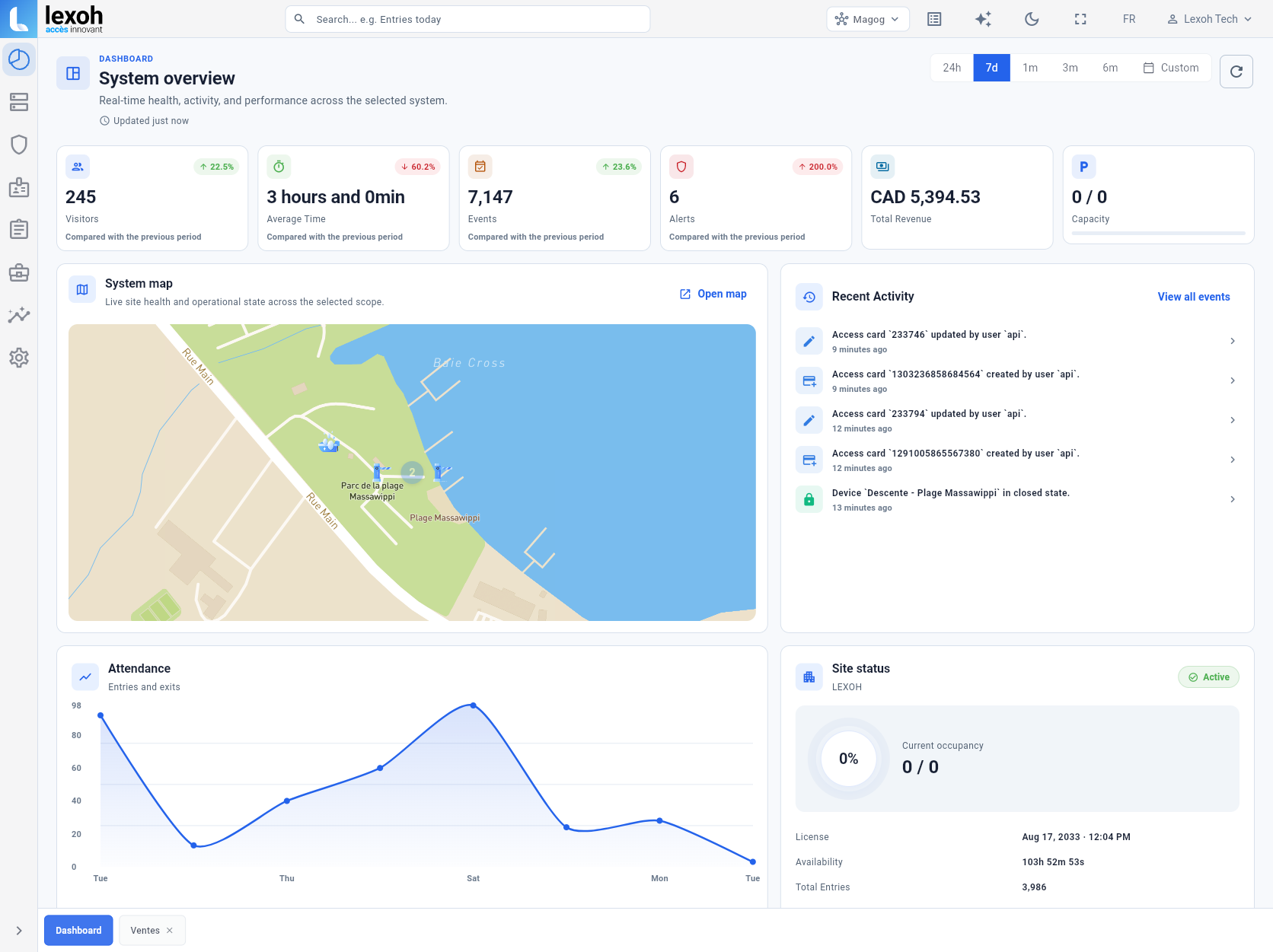
Operating context
An event record before any conclusion
The platform assembles available elements in the order received: site, time, credential, presented right, access decision, device status, and images according to configuration. Missing information remains identified as such.
Review can be performed by the customer’s team or, when that service is selected, by the Lexoh call centre. Any violation determination, official communication, correction, or challenge still follows the customer’s approved policy, authority, and tools.
- 01Event search
Find available events by site, device or time period.
- 02Connected context
Review time, source, access state and available images.
- 03Role-based access
Limit viewing to people authorized by the organization.
- 04Human decision
Present available context without automating a violation determination.
Starting point Viewing
Each available element retains its source and time.
The view can present site, device, access decision, wash status and available images. Missing information is not filled by assumption.
- Event time and source
- Status transmitted by the device
- Images available under assigned rights
- Filters included in the selected module
Journey Review
An alert is a starting point, not a conclusion.
The designated person checks the information under the organization’s procedure. If an administrative or legal step is considered, it takes place within the authority’s approved framework and tools.
- Review by an authorized person
- Incomplete context identified as such
- No automatic violation decision
Rules Operations option
Review and assistance can be assigned to the call centre.
When managed operations are included, the team can answer requests, guide a user, check available information, perform an authorized remote action, and refer an event to the designated contact. Service windows, languages, granted authority, and escalation paths are defined in the agreement.
- User assistance
- Alert monitoring
- Authorized remote actions
- Referral to the appropriate responder
Follow-up Response
Remote and on-site responsibilities are separated clearly.
A mismatched identifier, expired right or unavailable device may explain an event. The contract documents who corrects records, who responds to a stopped vehicle or damaged device, who performs maintenance and who contacts emergency services. Lexoh does not replace those services.
FAQ
Questions about the journey
01Does the platform replace municipal violation software?
Not by default. It assembles available operating context. Any transfer or integration with an official system must be confirmed in the project scope.
02Can every employee view images?
No. Access depends on configured roles and the organization’s governance decisions.
03Who decides whether an event is a violation?
Only the responsible authority can apply its rule and process. The platform and, where contracted, the call centre assemble and forward available context for that review.